

Workflow examples
See where automation could fit.
Find a recurring task you recognize. These eight examples show the steps, where a person stays involved, and how we could check usefulness. They are illustrations, not completed client projects or working integrations.
Choose one recurring task to explore. Discovery checks fit, available tools, and enough activity for a useful pilot.
See the work, step by step
One enquiry. A clearer next step.
Instead of copying a message between tools, a possible workflow prepares the record and next action. Your team stays responsible for the reply.
Made-up sample details (synthetic data) · not connected to an inbox or CRM
Follow a sample enquiry
- 01 / Incoming message
A customer asks for help
“I need a quote for a maintenance visit next week. Please send the next steps.”
Sample context: a permitted reply address and service area are available.
- 02 / Prepared record
The details have a place
- Request
- Maintenance visit
- Timing
- Next week; not confirmed
- Next action
- Review enquiry and assign an owner
No appointment or price is promised.
- 03 / Human checkpoint
A person approves the reply
“Thanks for your enquiry. A team member will review the details and confirm the next steps.”
Illustrative draft only. Your team checks availability, advice, and commitments before sending.
What if the details are missing?
Pause instead of guessing.
Sample message: “Can you help? Call me.” No callback number, reply channel, or clear request is available.
Keep the incomplete enquiry visible.
A possible workflow flags the missing information and routes the message to a person. It does not invent contact details, send an unsupported answer, or mark the request as resolved.
What the workflow could prepare
Capture the message, organize agreed fields, flag gaps, and prepare the next action.
What your team still decides
Approve sensitive replies, confirm commitments, and handle unusual requests.
This explains a possible approach, not a working integration or a completed client project. Tool access, routing, duplicate handling, and approval rules must be agreed and tested for a real pilot.
Read the enquiry workflow and possible measuresEnquiry routing
Route enquiries to the right person
Illustrative example—not a completed client project
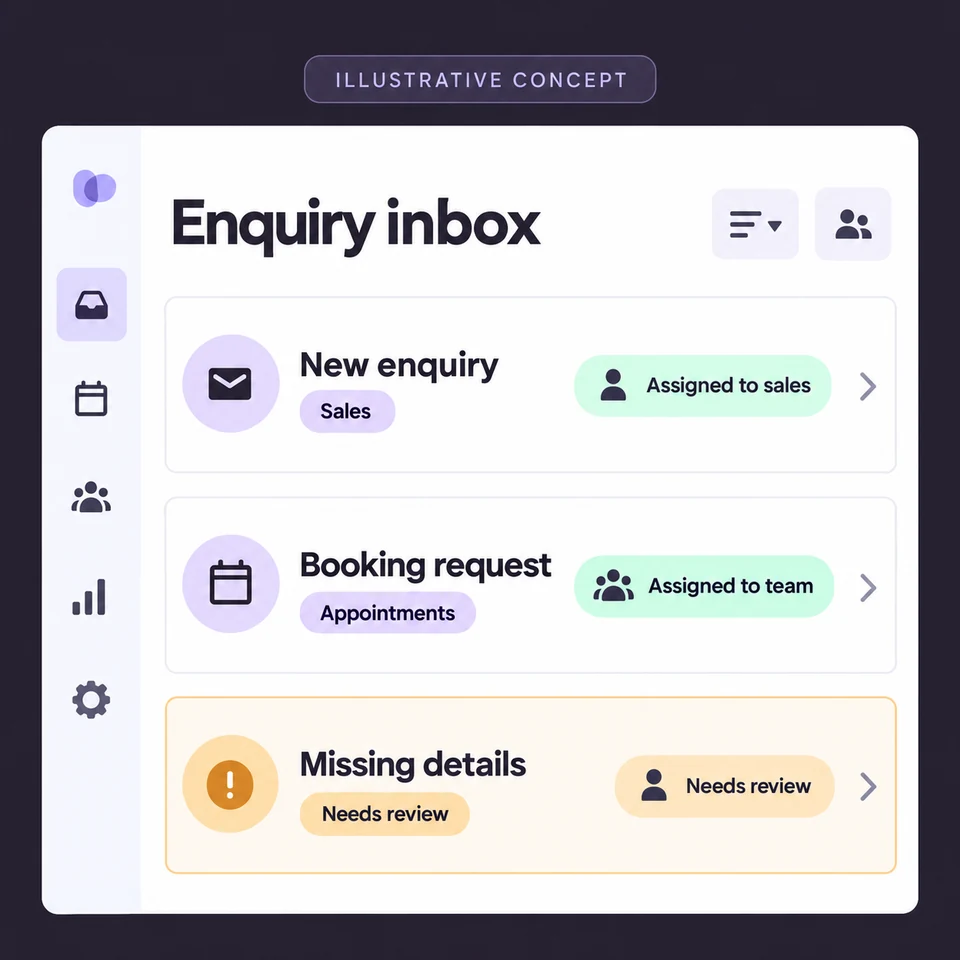
- 01Capture the enquiry
- 02Check and route the details
- 03Assign the next step
Today
Someone checks the inbox, copies the details, and decides who should respond.
Possible workflow
Capture the enquiry, update your customer database (CRM), and assign the next action to the right person. This example focuses on your internal handoff.
Human checkpoint
Your team handles exceptions and approves sensitive replies.
How we would check it helps
Correctly routed enquiries, unassigned requests, and manual handling time compared with the current process.
What we need and where it can fail
What starts it
A new enquiry arrives through an agreed form or inbox.
What it needs
An enquiry source, CRM access, routing rules, and approved response guidance.
Practical limits
Incomplete details, duplicate enquiries, and unavailable integrations need explicit handling.
Client onboarding
Give every new client a clear next step
Illustrative example—not a completed client project
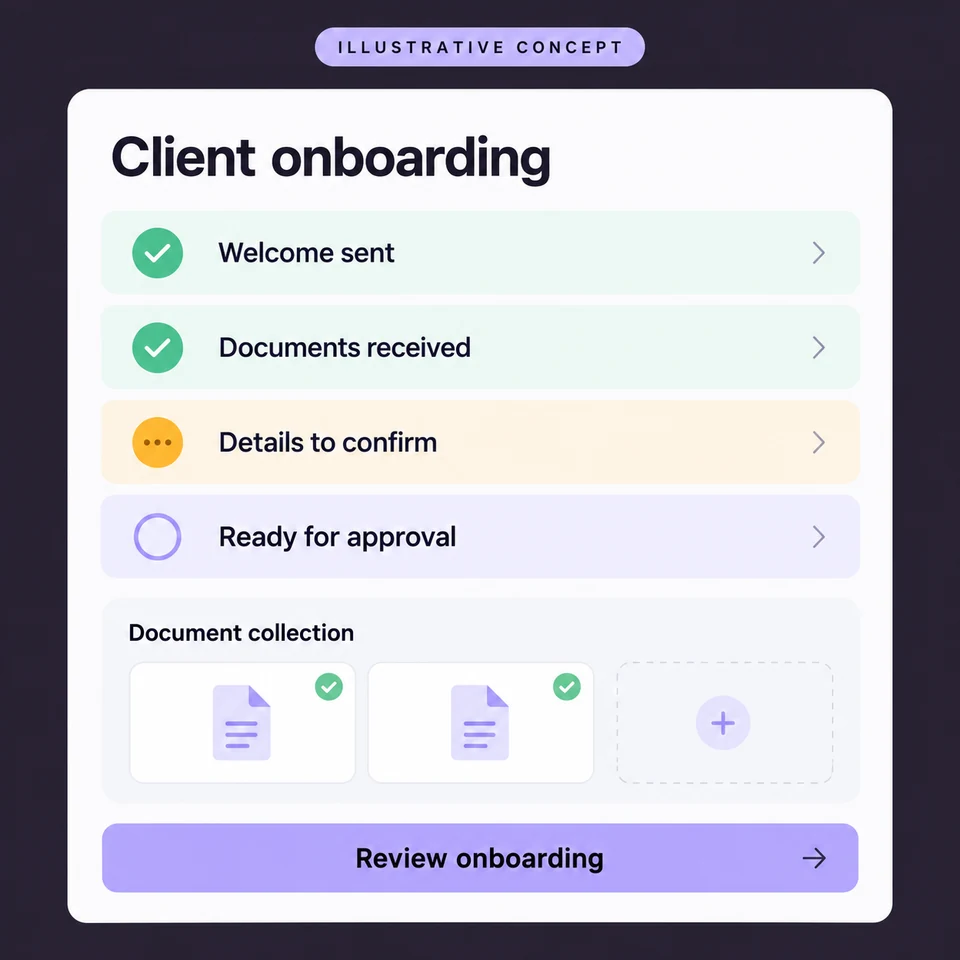
- 01Approve the client record
- 02Create the onboarding tasks
- 03Track missing information
Today
Welcome emails, document requests, and project setup happen separately.
Possible workflow
An approved client record starts onboarding, creates tasks, and tracks missing information.
Human checkpoint
You approve commitments and handle unusual requirements.
How we would check it helps
Completed onboarding steps, missing-information requests, and time spent chasing documents compared with the baseline.
What we need and where it can fail
What starts it
Your team approves a client record for onboarding.
What it needs
Your onboarding checklist, project tool, document requirements, and approved messages.
Practical limits
Changing requirements and unusual projects need a person to decide the next step.
Business reporting
Spend less time assembling reports
Illustrative example—not a completed client project
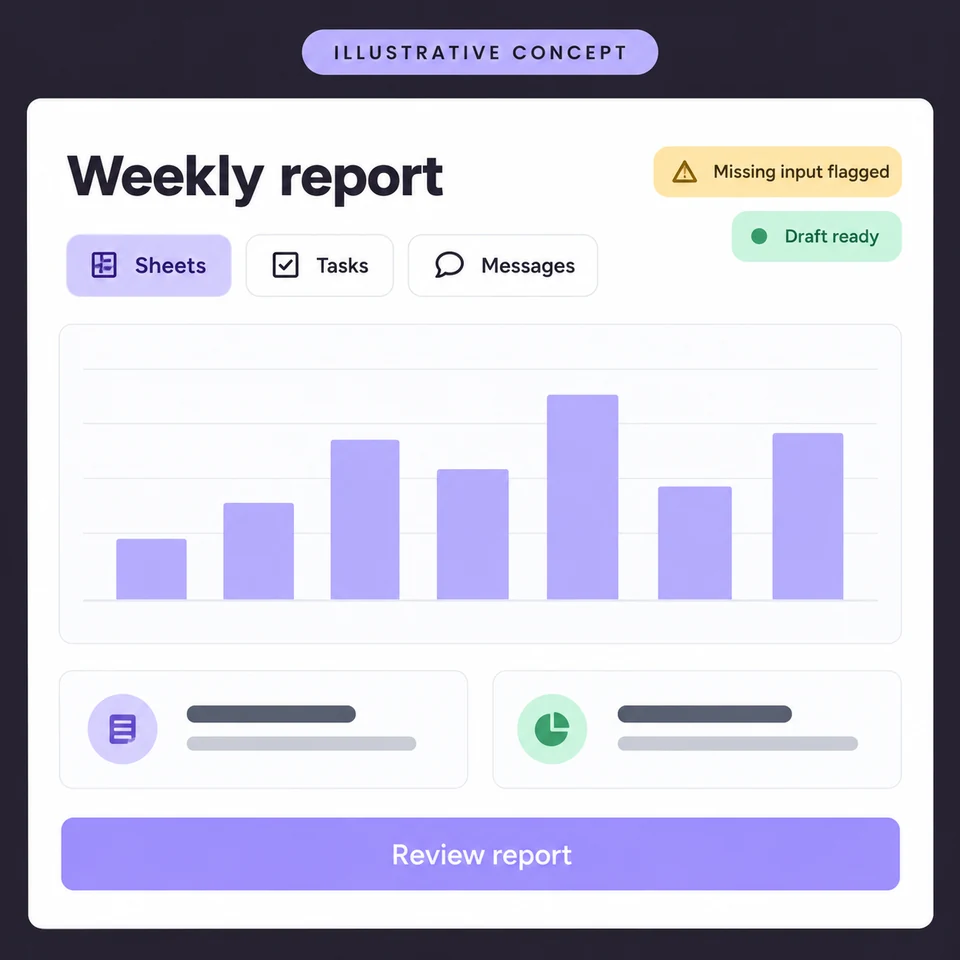
- 01Gather agreed information
- 02Flag gaps and inconsistencies
- 03Review the draft report
Today
Updates live across spreadsheets, tools, and message threads.
Possible workflow
Gather agreed data, flag missing inputs, and prepare a draft summary.
Human checkpoint
Someone checks the report before it reaches a client.
How we would check it helps
Time spent preparing and reviewing each report, missing inputs, and corrections compared with the baseline.
What we need and where it can fail
What starts it
An agreed reporting date or a request from your team.
What it needs
Accessible data sources, agreed definitions, a report format, and a reviewer.
Practical limits
Incomplete or inconsistent source data cannot be fixed by a polished summary. It must be flagged.
Answer calls while your team works
Answer routine calls while your team works
Illustrative example—not a completed client project
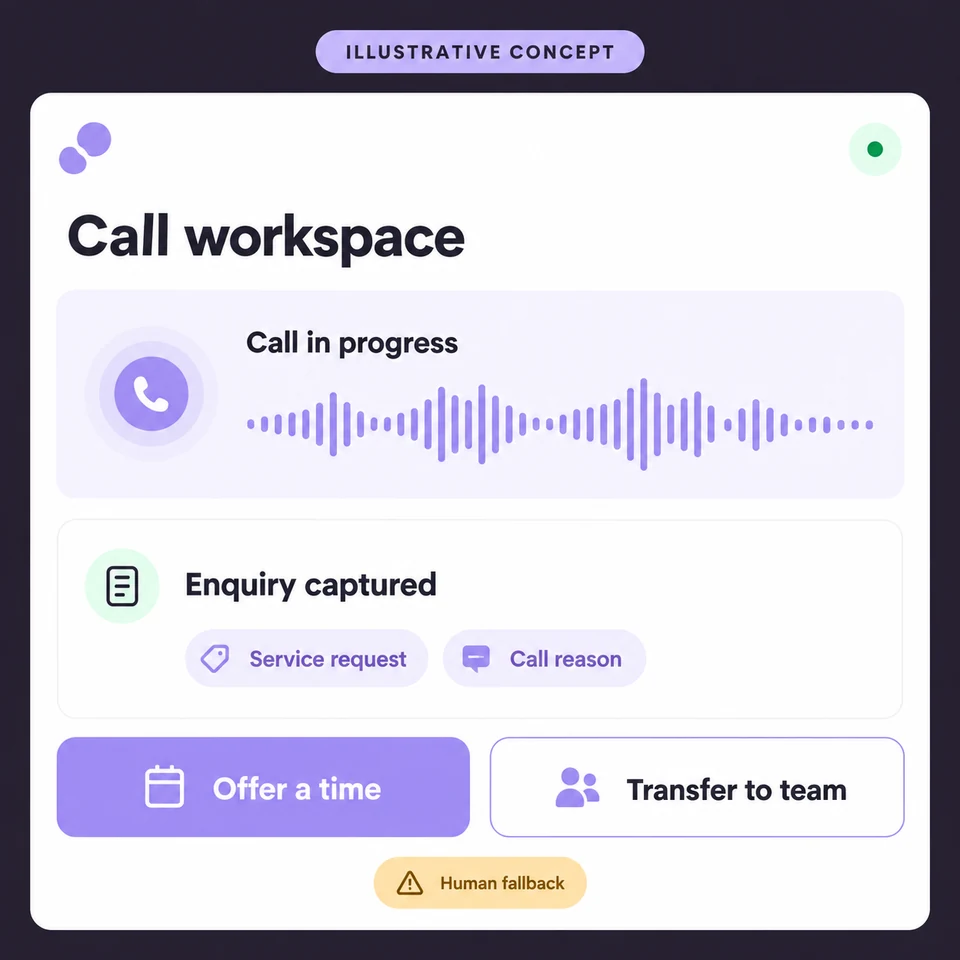
- 01Answer and understand the request
- 02Help or offer an available slot
- 03Transfer or record the next step
Today
Calls arrive during appointments. Enquiries go to voicemail, and someone has to call back for basic details.
Possible workflow
Answer inbound calls, handle approved questions, collect enquiry details, and offer available appointments or a transfer.
Human checkpoint
Your team takes complex calls and confirms requests outside the agreed call flow.
How we would check it helps
Calls handled within scope, captured enquiry details, successful transfers, and failed handoffs.
What we need and where it can fail
What starts it
An incoming call reaches your business number.
What it needs
A phone integration, approved answers, routing rules, and calendar access if booking is included.
Practical limits
Unclear speech, unsupported questions, and failed transfers need a fallback. Introduce the assistant clearly and agree recording consent before launch.
First response to an enquiry
Acknowledge new enquiries promptly
Illustrative example—not a completed client project
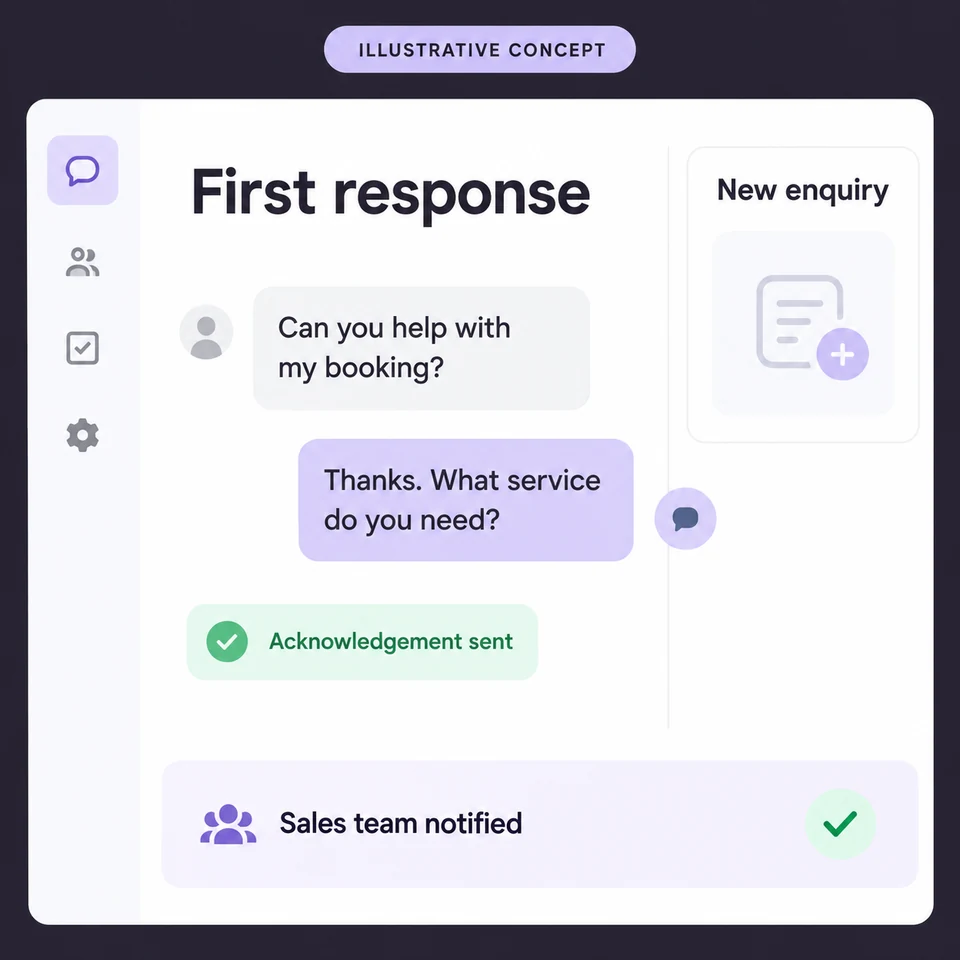
- 01Capture and check the enquiry
- 02Send a relevant first response
- 03Assign the conversation
Today
A form submission waits in an inbox while the prospect continues looking for help.
Possible workflow
Send an approved acknowledgement, ask relevant qualification questions, and notify the right salesperson. This example focuses on what the prospect hears first.
Human checkpoint
Salespeople handle advice, pricing exceptions, and the conversation once a lead replies.
How we would check it helps
Time to the first acknowledgement, time to a human response, and enquiries assigned successfully.
What we need and where it can fail
What starts it
A new enquiry arrives from a connected form or lead source.
What it needs
Lead-source and CRM access, qualification rules, response templates, and an owner for each enquiry.
Practical limits
Response timing depends on connected tools. Duplicate records, missing contact details, and delivery failures must be flagged.
Keep useful conversations moving
Follow up without chasing reminders
Illustrative example—not a completed client project
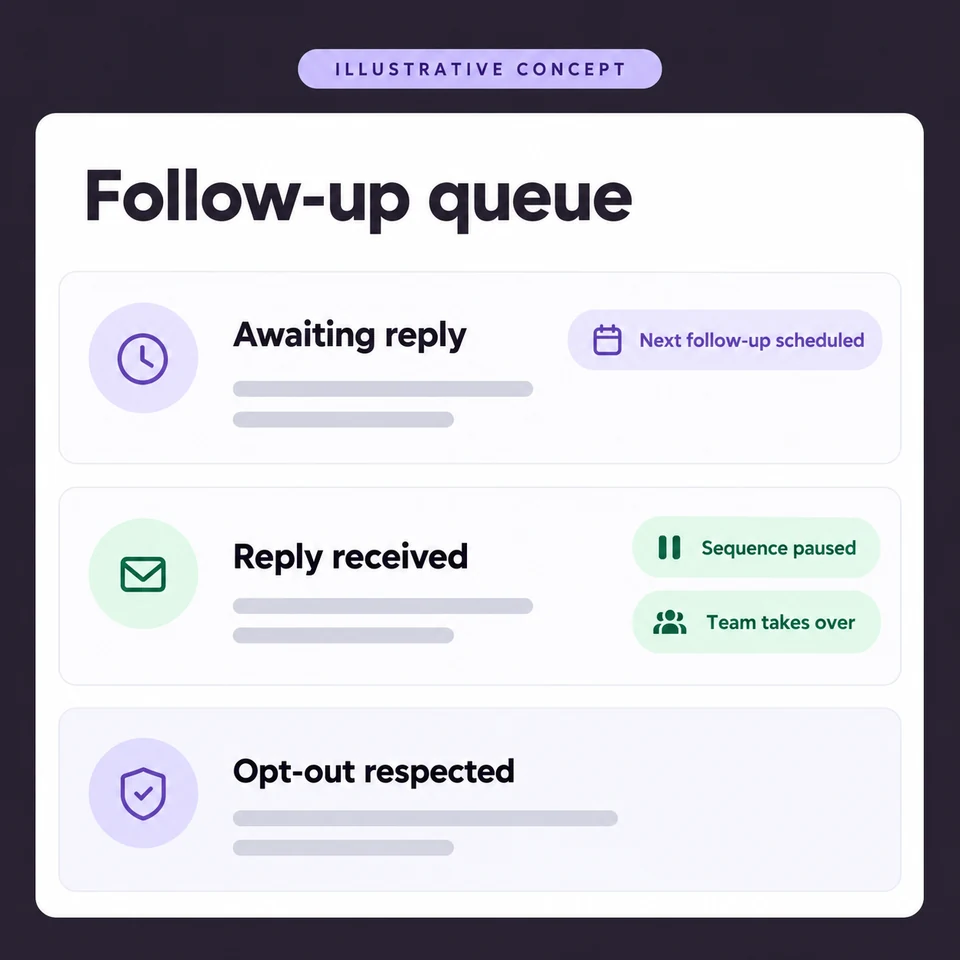
- 01Check eligibility and contact preferences
- 02Send the next agreed message
- 03Stop or hand over when the lead responds
Today
Follow-ups rely on reminders and memory. Some prospects get forgotten; others receive messages after they have replied.
Possible workflow
Schedule relevant email, SMS, or WhatsApp follow-ups, record activity in the CRM, and pause the sequence when a prospect replies or opts out.
Human checkpoint
Your team takes over replies and approves messaging before a sequence runs.
How we would check it helps
Eligible leads followed up, delivered messages, replies, and sequences stopped correctly after replies or opt-outs.
What we need and where it can fail
What starts it
An eligible lead reaches an agreed follow-up stage without a response.
What it needs
CRM stages, approved messages, permitted contact channels, timing rules, and a shared opt-out record.
Practical limits
Channel permissions and provider rules apply. Stop on reply, booking, opt-out, or a set attempt limit; failed deliveries go to review.
Make the next appointment easier
Book appointments with fewer messages
Illustrative example—not a completed client project
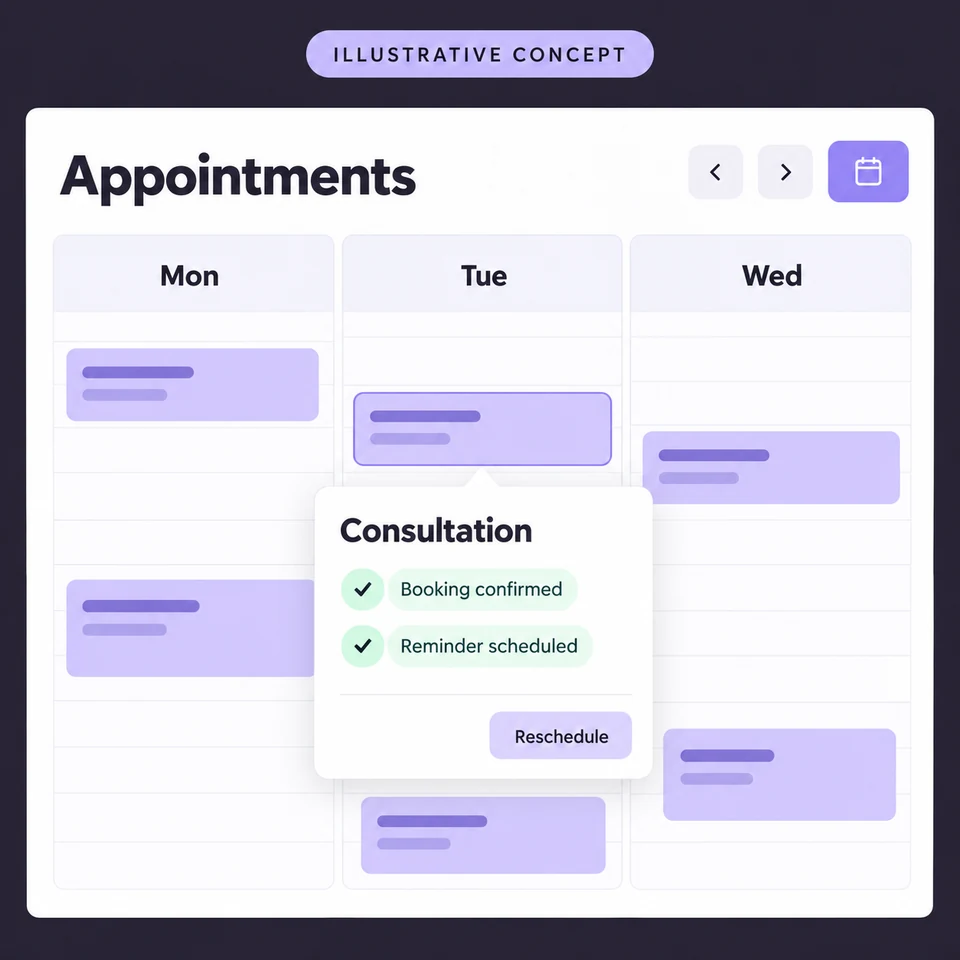
- 01Check live availability
- 02Book and confirm the appointment
- 03Remind or update when plans change
Today
Booking takes several messages, and changes need to be copied between calendars and customer records.
Possible workflow
Offer available slots, confirm a successful booking, send reminders, and handle cancellation or rescheduling through the connected calendar.
Human checkpoint
Your team handles special requests, unavailable slots, and calendar conflicts.
How we would check it helps
Completed bookings, failed calendar updates, reminder delivery, and time spent arranging appointments.
What we need and where it can fail
What starts it
A customer asks to book, change an appointment, or reaches a scheduled reminder time.
What it needs
Calendar access, appointment types, time zones, opening hours, buffer times, and reminder preferences.
Practical limits
Confirm only after the calendar accepts the booking. Recheck availability and route failed updates to your team.
Answer routine questions clearly
Answer routine questions with a clear handoff
Illustrative example—not a completed client project
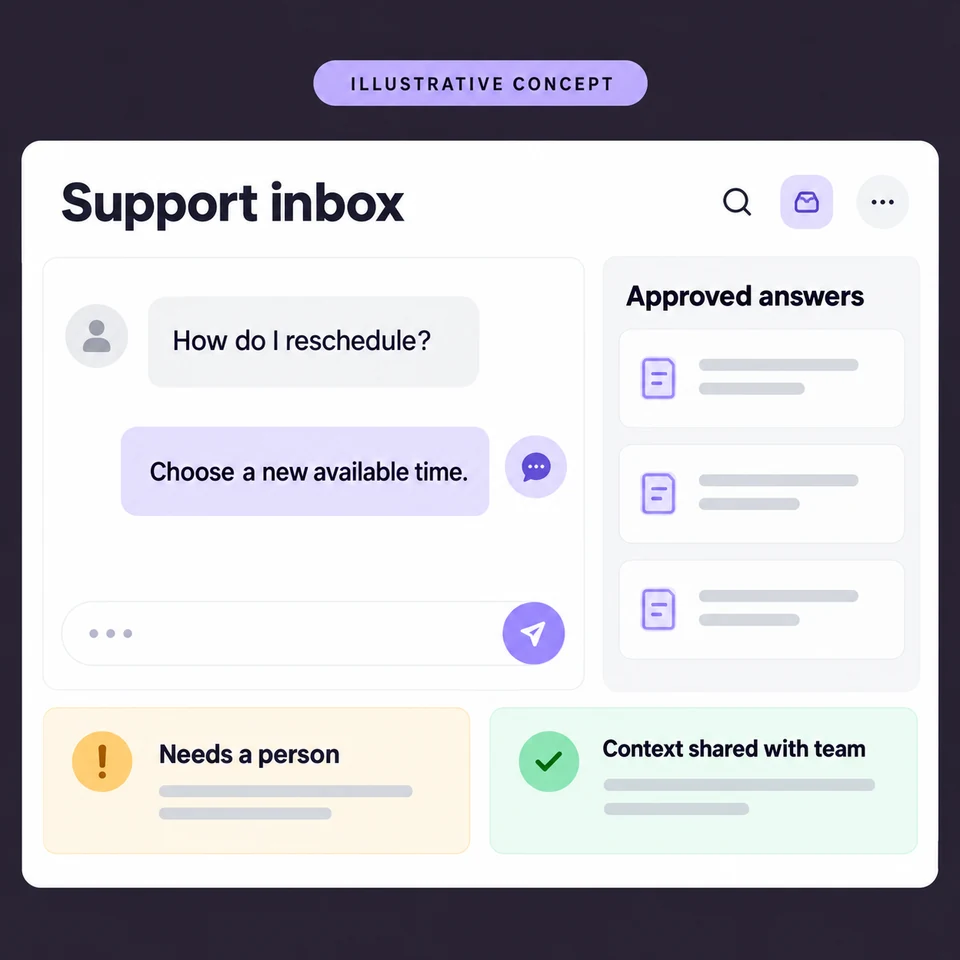
- 01Understand the question
- 02Answer from approved information
- 03Hand over with conversation context
Today
Your team repeatedly answers the same questions while customers wait for a response.
Possible workflow
Use approved business information to answer common questions, collect context, and create a support handoff when more help is needed.
Human checkpoint
A person handles uncertain answers, complaints, account changes, and requests outside the approved knowledge.
How we would check it helps
Questions resolved within the approved scope, human handoffs, unanswered questions, and reviewed answer errors.
What we need and where it can fail
What starts it
A customer starts a conversation through a connected support channel.
What it needs
An up-to-date knowledge source, support routing, escalation rules, and permissions for any customer-specific information.
Practical limits
The assistant must avoid guessing. Missing or conflicting information triggers a handoff; private records require verified access.
One automation. Your decision.
What keeps landing back on your plate?
Start with a task you repeat, the tools involved, and where the work slows down. Check what makes a useful pilot before a future discovery conversation.